Luminary is a graphical user interface application for easy and intuitive Dolby Vision metadata inspection, quality control, editing, and export.
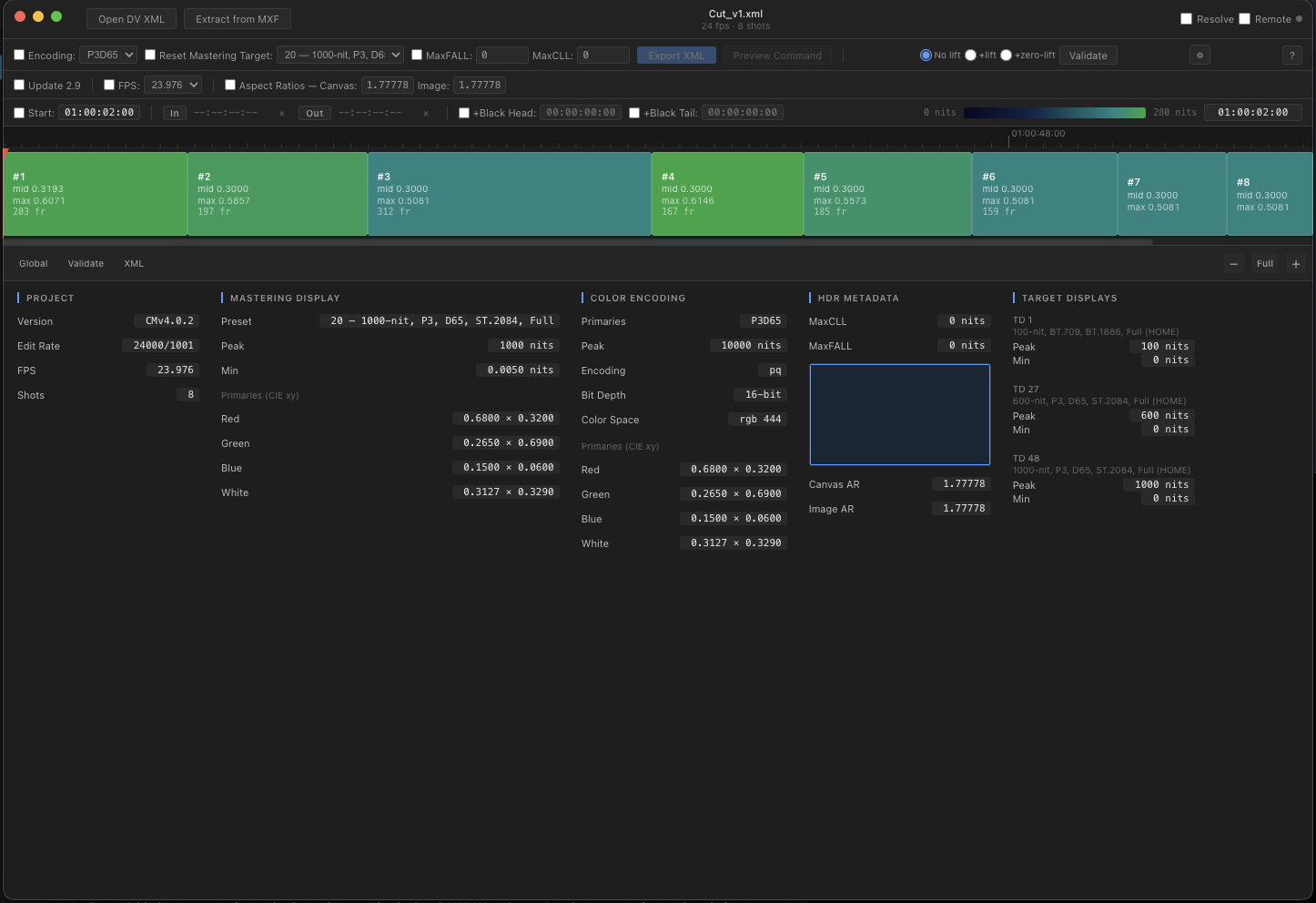
It offers an innovative display for total peak brightness and a shot by shot visual heat map.
It also offers the ability to real-time sync with a Dolby Vision DaVinci Resolve Studio timeline with frame-by-frame inspection.
Note: All metadata edits are done using Dolby Vision Professional Tools
, available separately from Dolby.
Luminary gives colorists and delivery engineers a complete visual and intuitive toolset for inspecting and modifying Dolby Vision metadata - without hacking the XML by hand or learning and building elaborate terminal commands.
Colour-coded timeline with peak luminance heat-mapping. Keyboard navigation and broadcast-style timecode entry.
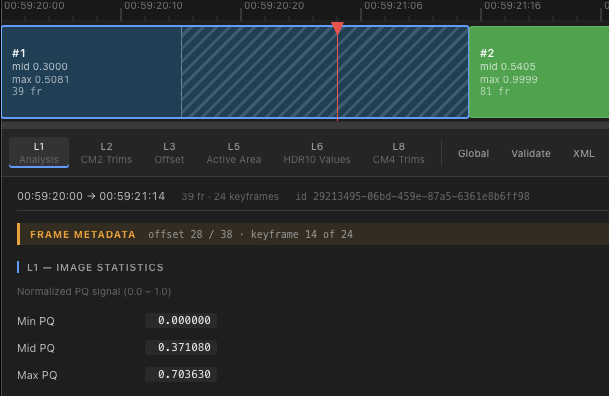
L1 image characterization, L2/L8 trims, L3 offsets, L5 active area, L6 MaxFall/MAXCLL values, Global, and raw XML - all in one tabbed panel.
Apply transforms - CM2.9 update, color encoding, mastering display reset, MaxFALL/MaxCLL, aspect ratios - and metafier validate directly from the toolbar.
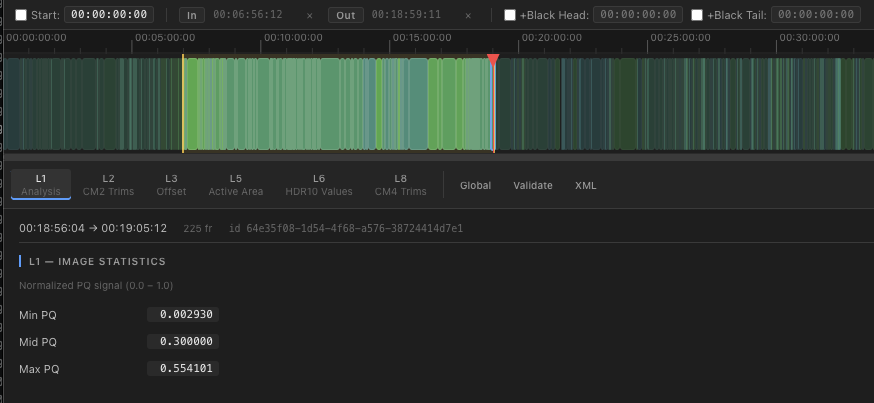
Mark in/out points visually, reset start timecode, trim head/tail, and insert black handles. One click to export a trimmed XML.
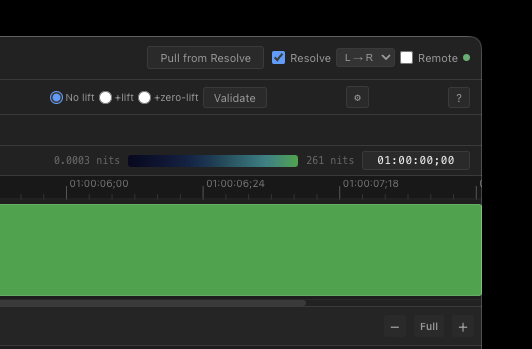
Bi-directional playhead sync with Resolve - local or over the network. Pull an XML directly from the active Resolve timeline.
Extract Dolby Vision metadata from encoded J2K MXF via metafier. Automatically loads the extracted XML into the timeline.
Every shot is colour-coded from deep navy to bright teal based on its maxPQ L1 value relative to the full sequence.
Set start timecode, trim frames, and add black handles using timecode instead of frame count.
Gradient bar visualizes nit values across the sequence.
Dissolve regions display per-frame metadata under the playhead.
Click any shot to view its metadata. Inspector tabs cover every layer - from L1 image characterization to L2 and L8 trims - plus global values, validation, and raw XML.
Luminary runs Metafier for all XML changes to make sure all operations are standards-compliant. The toolbar exposes the full set of operations without requiring command-line knowledge.
Download Dolby Vision Professional Tools →
Mark in and out points directly on the timeline or via timecode entry to define a subclip range. Add black head or tail time, without manual timecode-to-frame math.
Enable the Resolve bridge and your playhead follows the Luminary timeline. Verify cut-points, CMU mapping, and dissolves. Or, sync the other direction and navigate Luminary from your Resolve playhead. Pull an XML directly from the active timeline in a single click.
Luminary is in development and testing, and is almost ready.
Leave your email and we'll reach out
when it's available.
macOS 12+ · Windows 10+ · No spam, ever.